How do I find a textbook for my subject?
To find textbooks, go to Library Search and search for any of the following:
- book title
- author
- subject name
- subject code
- educator
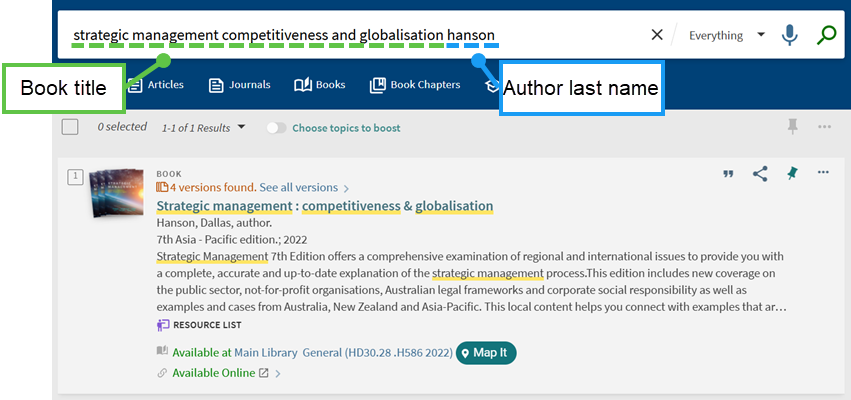
If needed, you can further refine your results to your subject using the facets:

If a physical copy is available in the library, use the 'Map it' button  to get directions.
You can also find out where to purchase a copy from the 'Check purchase options' link. The 'Check purchase options' link can be found when you click on the title of a book in Library Search and scroll to the 'Links' section towards the bottom of the page.

